
Best AI Image Generators For 2025
Ten AI image generators reviewed and re-checked against vendor pages, with current model versions, real prices, and what changed since the first list.
 Hamid Updated
Contents
Choosing an AI image generator comes down to three needs: quality, control, and speed. This guide keeps things simple. You get a clear top-10 list, plain-spoken pros, and crisp use cases. Read straight through or jump to the pick that fits your work.
This roundup was first published for 2025 and has since been re-checked against each vendor’s own pages. Model names, plan prices and one significant product pivot have been corrected in place, and a section at the end covers what has moved since the original list. Where a figure could not be confirmed on a vendor page, it is described in words rather than invented.
Top AI image generators of 2025
UrwaTools AI Image Generator
Why it’s great:
For a no-cost way to learn prompts and test styles, UrwaTools makes that ramp easy. The interface favours clarity over clutter. New users can generate clean results fast. The model handles product shots, portraits, and bold poster looks without a maze of settings.
Looking for the best free AI image generator? A strong first stop allows you to test output quality, try a few styles, and decide what matters before you spend.

Standout features:
- Simple controls that guide good prompts
- Reliable portraits with pleasing skin tone
- Handy background removal for social and e-commerce, via the AI background remover
- Exports that hand off cleanly to the image resizer and image compressor
Pros:
- 100% free tier with generous usage
- Smooth results even with basic prompts
- Great for learning AI art principles
- Reliable output for quick campaigns
Cons:
- Limited advanced customization options
- No deep editing nodes or local hosting
Pricing:
Free tier built for learning and light projects. Paid levels unlock more generations and faster queues.
Best for:
First-time creators, students, and small shops that need clean results and quick exports.
Keep in mind:
Advanced control (like multi-prompt weighting or deep node graphs) is limited by design, which is fine for a starter tool.
Midjourney
Why it’s great:
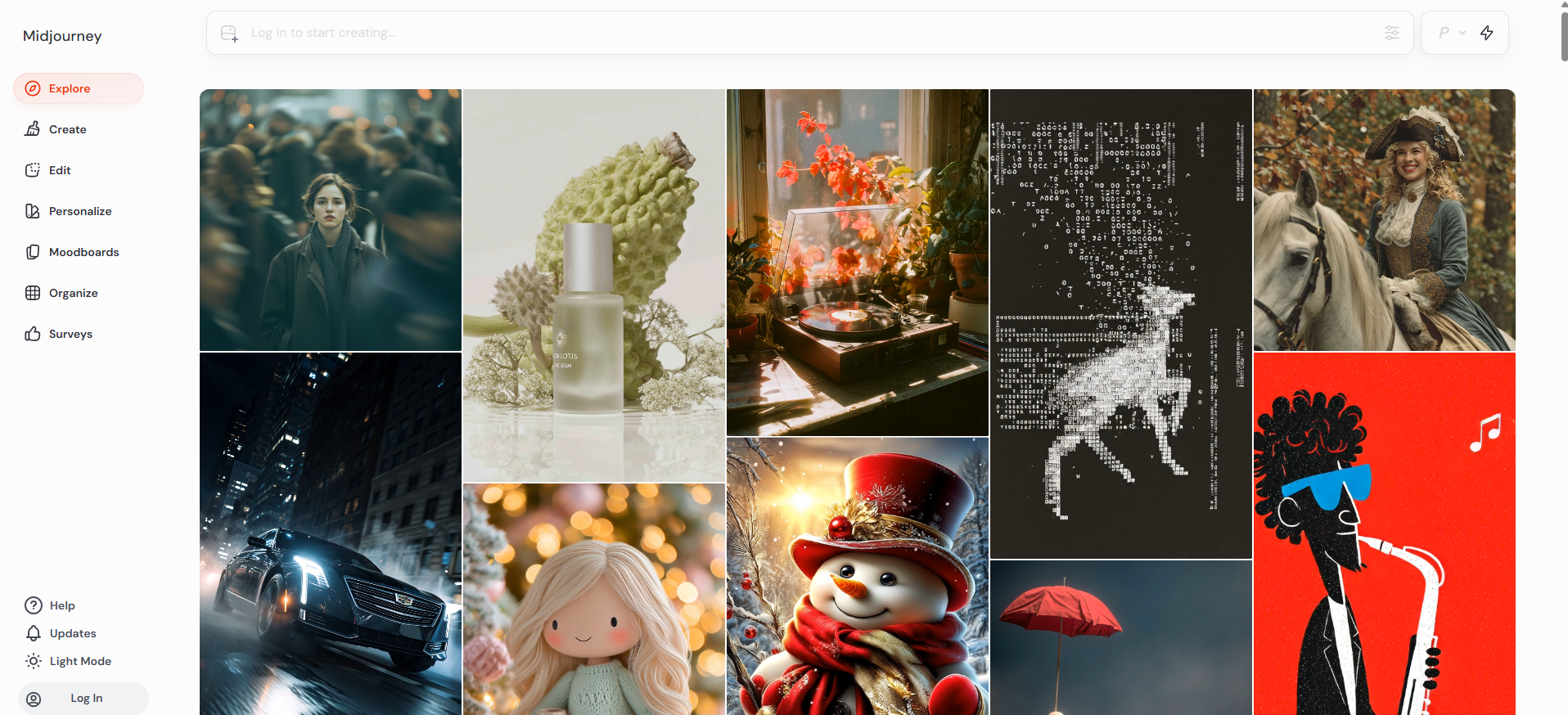
Consistency and style. Midjourney’s outputs feel art-directed even with simple prompts. It excels at mood, lighting, and coherent scene framing. Teams use it to find a look in minutes and then refine.
Updated: Midjourney’s documentation lists V8.2 as the default model, released 24 July 2026, with V7 (April 2025) and the anime-focused Niji 7 (January 2026) also selectable. It no longer runs only through Discord — the web app is now the normal way in, removing the biggest barrier the original list flagged.
Standout features:
- Elegant composition and rich textures
- Reliable faces and hands compared to most peers
- Variation tools that keep style locked
- A fast iteration loop once you learn the shorthand
Pros:
- Consistently polished results
- Unique, recognizable art direction
- Fast iteration and strong community support
Cons:
- Still has its own prompt shorthand to learn
- Limited granular control over outputs
Pricing:
Paid tiers with differing speed modes and queue priority.
Best for:
Brand mood boards, editorial illustrations, and social visuals that need to “wow”.
Keep in mind:
You trade deep technical knobs for speed and polish. Power users may want more low-level control elsewhere.
Adobe Firefly
Why it’s great:
Firefly is tuned for realistic lighting, clean edges, and commercial-ready detail. It shines on lifestyle shots, product scenes, and human subjects. Adobe’s focus on polish shows in skin, hair, and fabric.
Updated: Adobe now names Firefly Image 5 as its own model, and Firefly has also become a front end for other vendors’ engines. That changes the calculation: you are no longer choosing Firefly instead of those models, you are choosing where you drive them from.

Standout features:
- Photo-faithful outputs with strong edge quality
- Text effects with better letter accuracy than most
- Native tie-ins to Photoshop and Illustrator workflows
- Good content controls to refine results
Pros:
- Industry-level image realism
- Reliable brand-safe content
- Ideal for ads, photography, and print design
Cons:
- Requires Creative Cloud subscription
- Slower for high-volume generation
Pricing:
Adobe lists a free tier with limited daily generations, Firefly Standard at US$9.99/mo for 2,000 monthly credits, Firefly Pro at US$19.99/mo for 4,000 credits, and Firefly Pro Plus at US$34.97/mo for the first year (from US$49.99/mo). Firefly is also bundled into several Creative Cloud plans. Prices move, so confirm on Adobe’s page before committing.
Best for:
Designers and marketers already inside Adobe tools who want a smooth path from concept to final.
Keep in mind:
You’ll get the most value if your pipeline already runs on Creative Cloud.
Stable Diffusion
Why it’s great:
Full control. If you need custom styles, repeatable seeds, and local privacy, Stable Diffusion delivers. The open ecosystem also means a constant stream of models and control tools.
Updated: Stability AI currently lists the Stable Diffusion 3.5 family — Large, Turbo and Medium — alongside the older Stable Diffusion XL and SDXL Turbo. It is also no longer the only serious open-weight option: FLUX.2 ships as [pro], [flex], [dev] and [klein], with [klein] under Apache 2.0. Setting up a local pipeline now means evaluating both families.

Standout features:
- Nodes, graphs, and control nets for surgical edits
- Lora's and checkpoints for house styles
- Inpainting, outpainting, and tiled textures
- Local runs for sensitive projects
Pros:
- 100% ownership of data and style
- Infinite customization possibilities
- No ongoing subscription costs
Cons:
- Requires setup and GPU resources
- Steeper learning curve than hosted tools
Pricing:
The software is free. You’ll pay for computers (your own GPU or cloud).
Best for:
Studios that want ultimate control and repeatable looks across campaigns.
Keep in mind:
There’s a learning curve. Once you set it up, you get power that no hosted tool matches.
Ideogram
Why it’s great:
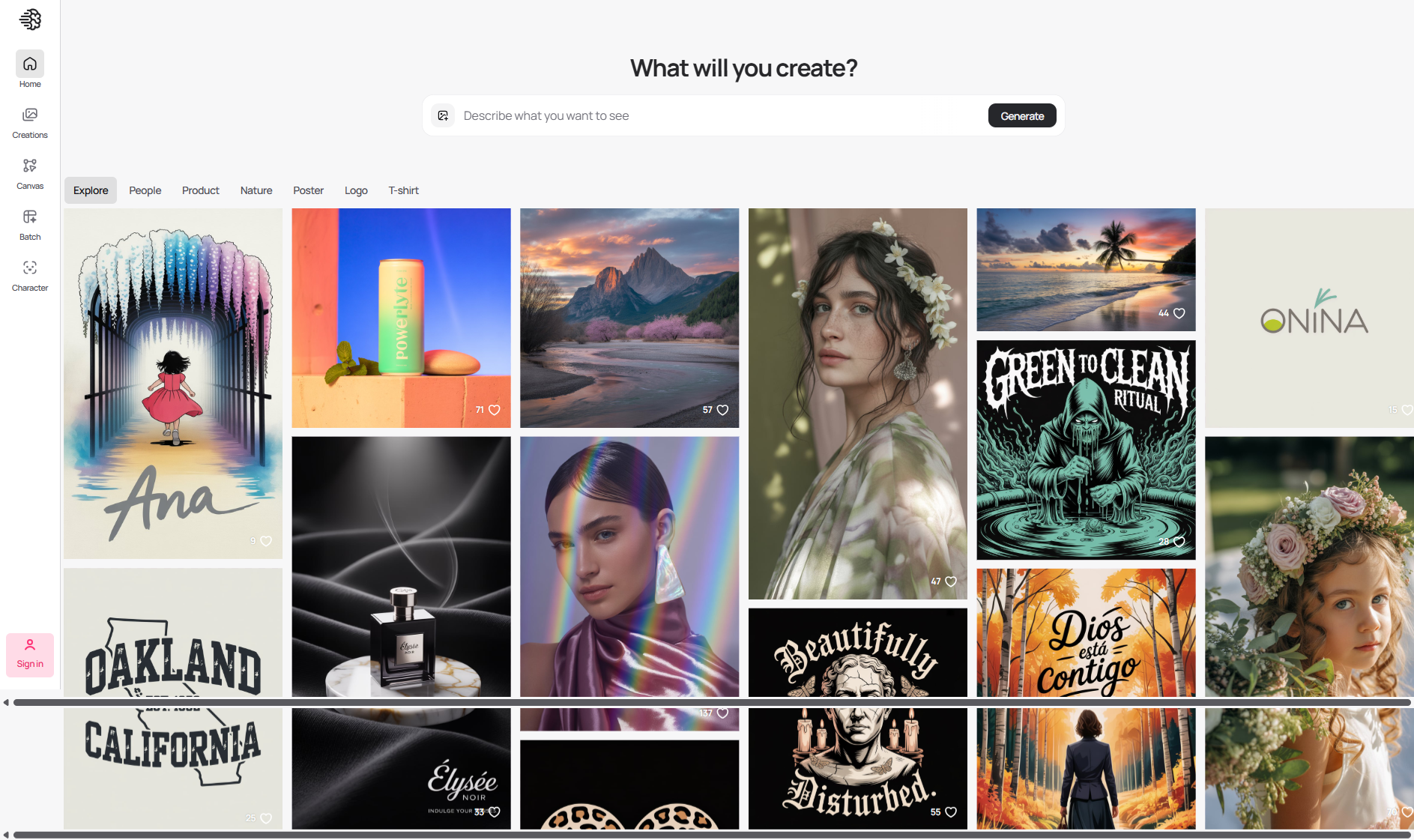
Ideogram is built around typography: headlines, numbers, and short lines of copy render with far fewer glitches than older systems. If you make ads, covers, or labels, this matters more than any single “wow” effect. The current model is Ideogram 4.0, which the company describes as delivering “readable type in every layout”.
Standout features:
- Strong letter and number fidelity
- Clean poster looks and brand-style banners
- Good handling of layout with negative space
- Simple prompt patterns for headline placement
Pros:
- Strong, dependable text rendering — though no longer uncontested (see the update section below)
- Excellent for ads, covers, and marketing visuals
- Minimal setup with strong results
Cons:
- Limited photo-realistic quality
- Fewer deep-style variations
Pricing:
Free and paid options with faster rendering at higher tiers.
Best for:
Ad creatives, packaging mocks, book covers, and thumbnails with readable titles.
Keep in mind:
Photoreal portrait work is solid, but typography is the star. Use it where text accuracy decides the win — and benchmark it against Google’s current image model before you commit, because that gap has narrowed sharply.
Adobe Photoshop with Generative Fill
Why it’s great:
When you need to fix edges, use Photoshop’s Generative Fill.
You can also extend scenes with it.
It helps mix real photos with generated content. The easiest way to do this. It respects light and perspective better than most.

Standout features:
- Context-aware fills that look natural
- Precise masking for product edges and hair
- Seamless scene extensions for banners and hero images
- Direct access to layers, smart objects, and export presets
Pros:
- Professional-grade finishing
- Perfectly matches photo lighting
- Great for retouching and compositing
Cons:
- Limited creative “from scratch” generation
- Tied to Adobe subscription credits
Pricing:
Included with Photoshop plans using generative credits.
Best for:
Photographers, retouchers, ecommerce, and teams with strict visual standards.
Keep in mind:
It’s an editing tool first. Pair with a generator if you need many new scenes from scratch.
Canva
Why it’s great:
Canva compresses ideation, layout, and export into one flow. You can generate, size for each platform, and publish with a consistent look in under an hour.

Standout features:
- On-brand templates and brand kits
- One-click resizes for social platforms
- Background remover and simple inpainting
- Collaboration that non-designers can handle
Pros:
- Simple learning curve for teams
- Unified branding across assets
- Streamlined workflow for marketing
Cons:
- Output style may feel generic
- Limited customization for complex concepts
Pricing:
Free plan plus Pro and Teams tiers. Canva says its image generators run on leading third-party models and are updated as better ones ship, so the engine behind the button changes over time; it does not publish a fixed model name on the feature page.
Best for:
Social teams, community managers, and small businesses that ship content daily.
Keep in mind:
If you need hyper-real portraits or niche styles, use a speciality engine, then import here for layout.
Leonardo AI
Why it’s great:
Leonardo is a playground for styles. It gives you tuned models for anime, painterly looks, product realism, and more. You can explore fast and keep the best. Note that Leonardo was acquired by Canva in 2024 and now sits inside that group, so the two entries on this list are related rather than independent choices.

Standout features:
- Many style presets that feel distinct
- Training options for brand-specific looks
- Handy pipelines for batch creation
- Solid upscaling for clean exports
Pros:
- Huge range of looks and styles
- Beginner-friendly with pro results
- Smooth cloud rendering performance
Cons:
- Frequent updates may shift outputs
- Some presets look similar without fine-tuning
Pricing:
Free and paid plans with credits; higher tiers add speed and capacity.
Best for:
Creators who post often and want a wider style palette without a deep setup.
Keep in mind:
With many models available, keep notes on seeds and presets so you can repeat wins.
Playground
Why it’s great:
This entry has changed the most. Playground retired its legacy AI-art product and repositioned as an AI design studio — it now describes itself as turning ideas into “stickers, merch, posters, and anything you can dream up”, with template categories and merchandise output rather than open-ended art generation. It also runs other vendors’ models rather than only its own, naming GPT Image 2, Nano Banana Pro, Nano Banana and Seedream on its site.
If you came here for the old storyboard-and-key-art workflow, that specific product is gone; use Midjourney or a FLUX.2 pipeline for cinematic frames instead. If you want finished printable pieces, the new Playground is a better fit than the old one.

Standout features:
- Template-led output across many product categories
- Access to several current third-party image models in one place
- Clean interface with quick variations
- Useful upscales for poster-sized exports
Pros:
- Fast route from idea to a printable piece
- Fast, high-quality renders
- Easy export options for professional use
Cons:
- The open-ended art workflow this list originally praised is gone
- Template-led output can feel constrained for concept work
Pricing:
Free to start, with paid plans; the site claims more than 13 million creators across 120 countries.
Best for:
Posters, stickers, merchandise, logos and social graphics you intend to print or publish, rather than open-ended concept exploration.
Keep in mind:
Because it runs several third-party models, output quality tracks whichever engine you select rather than a single house style — check which model a template is using before you judge the result.
Lensa
Why it’s great:
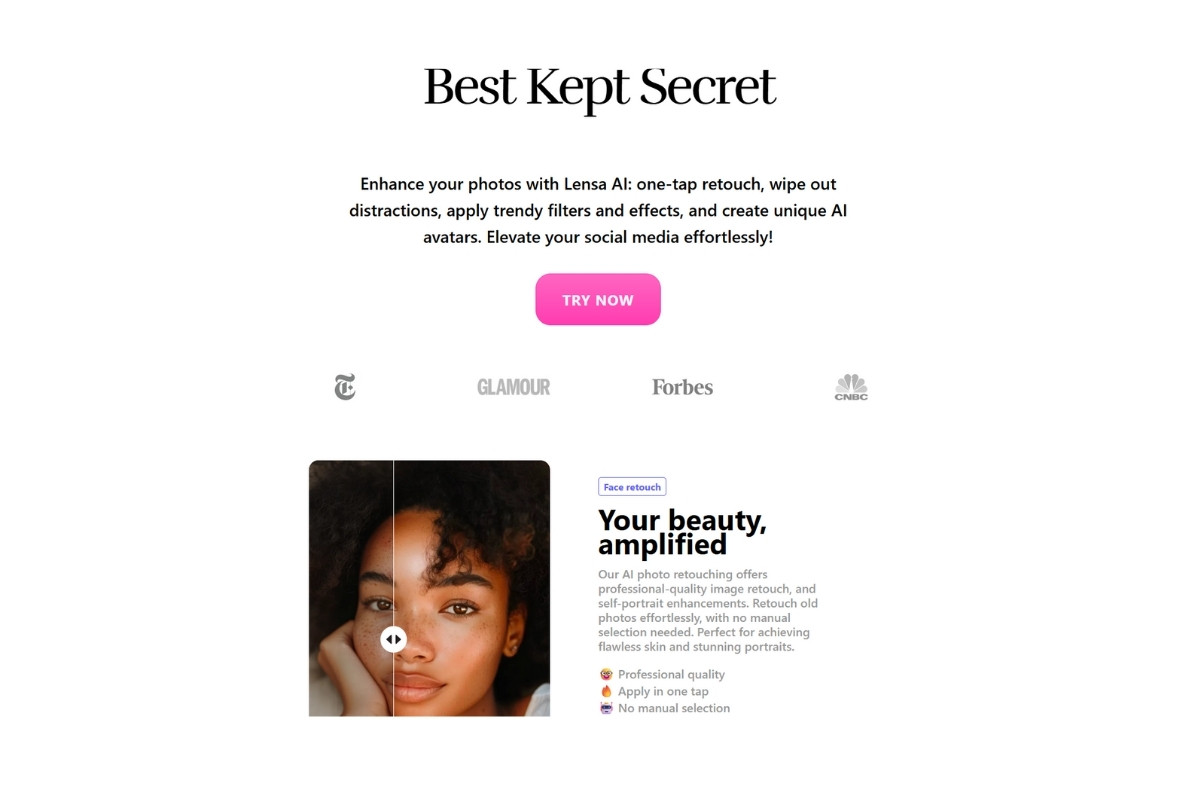
On a phone, speed wins. Lensa turns selfies and quick product snaps into polished images with minimal effort. Great for travel, events, and daily posts.
Standout features:
- Guided presets that flatter faces
- Quick background swaps and portraits
- Simple retouching in a few taps
- Fast exports for stories and reels
Pros:
- Fast and simple for mobile editing
- Great portrait and selfie results
- Lightweight app with cloud processing
Cons:
- Limited creative flexibility
- Subscription-based upgrades for HD exports
Pricing:
Free to try with in-app purchases and subscriptions.
Best for:
Creators who need quality images from a phone without a desktop pipeline.
Keep in mind:
Mobile is convenient, but desktop engines still offer deeper control for extensive campaigns. Lensa is still published by Prisma Labs and available on both the App Store and Google Play, so this entry stands as written.
What has changed since this list was written
The ten entries above still describe real, working tools, but the field moved underneath them. Four shifts matter today.
Two new engines now set the bar
Google’s Gemini 3 Pro Image, nicknamed Nano Banana Pro, is built to “generate clear text for posters and intricate diagrams”, and Google publishes benchmark figures showing the lowest single-line text error rates across languages, mostly under 10%. Every output carries an imperceptible SynthID watermark so AI origin can be detected afterwards. Google still acknowledges trouble with small faces, spelling and fine detail, so treat it as strong rather than solved.
Black Forest Labs’ FLUX.2 line ships as [pro], [flex], [dev] and [klein], claims character and style consistency across up to ten reference images, and edits at up to four megapixels while preserving detail. The [klein] variant is released under Apache 2.0, which makes it the most permissively licensed frontier-class option available to teams that need to self-host.
OpenAI’s GPT Image line is the third engine you will meet constantly, most often inside someone else’s product rather than on its own page.
Hosted platforms became model front ends
Adobe Firefly now advertises models from Adobe, Google, OpenAI and Runway under one login, and Playground names GPT Image 2, Nano Banana Pro, Nano Banana and Seedream on its site. So comparing “Firefly versus Playground” is increasingly a comparison of interfaces, credit systems and licensing terms rather than of underlying image quality.
The typography advantage narrowed
Ideogram 4.0 still renders type well and remains an easy recommendation for headline work, but it no longer holds the field alone. Google publishes text-accuracy benchmarks for its own model, and Black Forest Labs states that complex typography, infographics and UI mockups “now work reliably in production” with FLUX.2. Test all three on your own headline before assuming a winner.
Two entries are not what they were
Playground retired its legacy AI-art product and became a design studio for posters, stickers and merchandise. Leonardo sits inside Canva after the 2024 acquisition. Neither is a reason to avoid them; both are reasons to know what you are signing up for.
Current model generations at a glance
Every entry below comes from the vendor’s own documentation or product page. Model names change often, so re-check before quoting them anywhere that matters.
| Tool or model family | Current generation named by the vendor | Notable strength | Access |
|---|---|---|---|
| Midjourney | V8.2, default since 24 July 2026 (V7, Niji 7 also selectable) | Art direction and stylistic consistency | Web app, paid plans |
| Adobe Firefly | Firefly Image 5, plus partner models | Commercial-oriented realism inside Adobe tools | Free tier; US$9.99, US$19.99 and US$34.97/mo plans |
| Stable Diffusion | Stable Diffusion 3.5 Large, Turbo and Medium; SDXL and SDXL Turbo | Local control, seeds, custom checkpoints | Open weights, self-hosted or via APIs |
| FLUX (Black Forest Labs) | FLUX.2 [pro], [flex], [dev], [klein] | Multi-reference consistency; [klein] is Apache 2.0 | Hosted API and open weights |
| Ideogram | Ideogram 4.0 | Readable type in layouts | Free and paid tiers |
| Google Gemini image | Gemini 3 Pro Image (Nano Banana Pro); Nano Banana 2 | Text in images; SynthID provenance watermarking | Gemini apps, API and partner platforms |
What to consider before you pick
Image quality and prompt control
Two ideas matter: beauty and repeatability. A gorgeous one-off is nice. But a model that repeats a look across ten shots is gold.
Test with the same seed. Change only one word at a time. If faces, hands, or fabric fail, move on.
Style range versus learning curve
Some tools give you 100 knobs. Others give you 10. If you publish daily, you may not need every control. Choose the flow that keeps you shipping.
Text in images
If your work needs headlines, label copy, or numbers, prioritize engines that handle text well. Ideogram, Google’s Gemini image model and FLUX.2 are the three to test; older engines pass short lines but struggle with full sentences.
Editing and finishing
Most great images are part generation, part polish. Strong inpainting, clean background removal, and quality upscales save hours — a standalone AI background remover plus an image compressor covers the everyday cases without opening a full editor. For the tightest edges and the most natural blends, an editor like Photoshop still rules.
Throughput and caps
Queues and daily caps can slow teams down. If you work on deadlines, pick a tier that grants priority. Batch tools also matter—creating ten consistent variants beats clicking the same button ten times.
Pricing guide
Free plans that teach you fast
Use a free tier to test your most common scenes: one product shot, one portrait, and one layout with text. You’ll confirm whether the model fits your needs in under a day. The UrwaTools AI image generator sits here as a friendly on-ramp for early testing before you upgrade, and Adobe, Ideogram, Canva, Leonardo and Playground all publish free entry tiers of their own.
Best value under $20/month
At this level, you often get faster queues, higher base resolution, and better upscales. For solo creators and small shops, this is the sweet spot: predictable speed without enterprise cost.
Team and studio budgets
For shared work, credits should pool. Look for role controls, brand kits, and project libraries. A mid-tier team plan with priority rendering often beats a single “pro” seat for speed alone.
How we test
Fixed prompt set
We evaluate each tool on a stable set of common scenes: portrait, product, landscape, and poster copy. That keeps comparisons honest.
Consistency checks
We run the same seed multiple times. If results swing from great to broken, we call it out. Consistency matters more than a single perfect frame.
Detail review
Faces, hands, edges, and typography get a close look. We also check reflections, glass, and hair—places where cheaper models often fail.
Practical speed
We record render times at different hours. We note queues and slowdowns. You should know how a tool behaves during busy periods.
Prompt starters you can adapt
Social and thumbnails
- Product on soft gradient, subtle shadow, centered subject
- Portrait with gentle rim light, shallow depth of field, clean background
- Bold poster look with high contrast and clear space for a headline, ready to caption with an AI Instagram caption generator
Product and ecommerce
- Top-down hero shot, morning light, minimal props
- Floating pack on glossy floor, soft reflections, neutral backdrop
- Lifestyle scene with hands, natural grain, edge-clean mask — pair the result with an AI product description generator when you are filling a listing
Concept and mood
- Wide landscape, dramatic sky, painterly texture
- Interior with moody light and strong perspective lines
- Character sheet, front and side, neutral stance, studio light
Add two style adjectives and one lighting term. Keep prompts short. It reduces noise and makes results more consistent.
Notable alternatives
Night Cafe: Friendly for casual exploration with a broad model mix and a clean interface.
Krita with plugins: Open-source painting with emerging AI extensions for artists who want brush control plus generation.
Runway: Strong for video-first teams that also need stills, with quick editing and compositing features.
What to watch next
- Provenance signalling becoming standard — Google states that every image from its model carries an imperceptible SynthID watermark that can be detected later
- Multi-reference conditioning: FLUX.2 advertises referencing up to ten images at once for character and style consistency
- Hosted platforms turning into model front ends rather than single-engine products, as Firefly and Playground both now are
- Legible in-image typography moving from a differentiator to a baseline expectation
Which tool should you choose?
- You’re new and cost-conscious: Start with UrwaTools to learn prompts and export clean assets without fees.
- You need a signature look fast: Midjourney for style and speed.
- You need photo-faithful results: Adobe Firefly.
- You need total control and privacy: Stable Diffusion 3.5 or FLUX.2 running locally.
- You make ads and covers with headlines: Ideogram.
- You blend real images with generated content: Photoshop with Generative Fill.
- You publish daily, everywhere: Canva for layout and scheduling.
- You want many styles in one place: Leonardo AI.
- You want printable posters, stickers or merch: Playground, in its current form.
- You create on your phone: Lensa.
Pick one. Learn it well. Save your best seeds and prompts. You’ll work faster, your images will look consistent, and your audience will notice.
Frequently asked questions
Which AI image generator is best for beginners?
Start with something that has a free tier and few settings, generate the three scenes you actually need, and judge from the output rather than the marketing. The UrwaTools AI image generator is a low-friction starting point; Canva suits you better if you want layout and export in the same place.
Which tool handles text inside images best?
Ideogram 4.0 was built for it and is still a safe default. Google publishes benchmark results claiming the lowest single-line text error rates for Gemini 3 Pro Image, and Black Forest Labs says complex typography works reliably in FLUX.2. Run your own headline through all three — results vary a lot by font weight, length and language.
Do I need a paid plan to get usable results?
No, but free tiers are throttled rather than crippled. Adobe lists a free Firefly tier with limited daily generations before Standard at US$9.99/mo; Ideogram, Canva, Leonardo and Playground publish free entry tiers too. Pay when queue times or monthly caps start costing you more than the subscription does.
Can I use AI-generated images commercially?
It depends on the tool’s licence, which varies by vendor and plan tier — some free tiers exclude commercial use outright. Read the terms attached to your specific plan, and note that some models watermark outputs for provenance: Google states its images carry SynthID marking that can be detected later.
Should I run a model locally instead?
Run locally when you need repeatable seeds, custom checkpoints, or images that never leave your machine. Stable Diffusion 3.5 and FLUX.2 both offer open weights, with FLUX.2 [klein] under Apache 2.0. The cost is a capable GPU and real setup time, which is only worth it at volume.
How do I check whether an image is already online?
Run it through a reverse image search before publishing. That catches accidental near-duplicates of stock photography and tells you whether a reference you were sent is original. Before the page goes live, an image alt text checker will flag any generated image you forgot to describe.
Conclusion
A great AI image generator should fit your workflow, not the other way around. Start with one tool, master a few prompts, and save winning seeds for repeatable style. Upgrade when you need faster queues, sharper upscales, or better text handling.
Keep a short checklist: quality, control, speed, and consistency across projects. Do this, and your images look polished, on-brand, and ready to ship.