
De startups a empresas: cómo Lark escala sin perder la simplicidad
Descubre cómo Lark ayuda a startups y empresas a escalar fácilmente. Herramientas unificadas para chat, proyectos, documentos y flujos de trabajo: sencillas, potentes y eficientes.
 Hamid Actualizado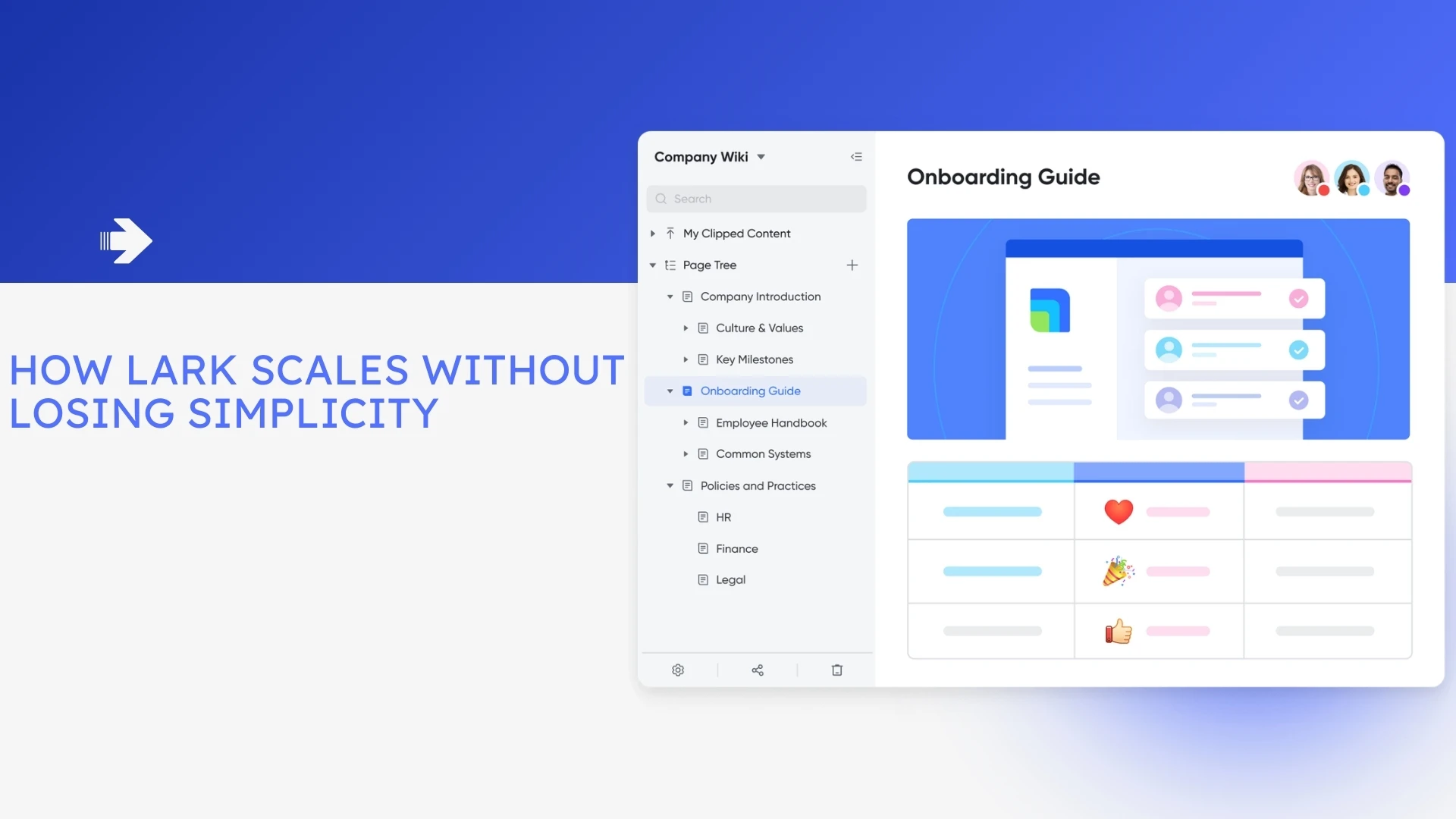
Contenido
Scaling a business comes with a trade-off. Startups run on speed and flexibility; enterprises need consistency, control and audit trails. The platform question that follows is whether Lark can carry a team across that gap without becoming the bloated system it replaced. Lark's answer is a single suite — messaging, meetings, documents, a knowledge base, approvals and a no-code database — rather than a stack of separately purchased apps.
Whether that holds up depends less on marketing claims than on specifics: what each module actually does, where the seat and storage ceilings sit, and what it costs when your headcount doubles. This article works through those, using figures Lark publishes on its own site.
One caveat before any of the numbers: vendor plan limits move, and Lark's own pages have not always agreed with each other on price. Treat everything below as a starting point and confirm the current figures on Lark's pricing page before you budget against them.
What you get, and what it costs as you grow
Lark sells three tiers. According to Lark's published materials, the free Starter plan bundles 11 tools for up to 20 users with 100GB of storage, 1,000 automation runs and AI translation. Pro is listed at $12 per user per month billed annually for up to 500 users, adding group calling for up to 500 attendees, 15TB of storage and 50,000 automation runs. Enterprise is custom-priced, supports unlimited users, and adds further automation capacity plus advanced security, compliance and management controls.
| Dimension | Starter | Pro | Enterprise |
|---|---|---|---|
| Price | Free | $12 per user / month, billed annually | Custom, via sales |
| User ceiling | Up to 20 | Up to 500 | Unlimited |
| Storage | 100GB | 15TB | Higher, plan-dependent |
| Automation runs | 1,000 | 50,000 | More than Pro |
| Group calling | Included, smaller limits | Up to 500 attendees | Enterprise-grade |
| Security and compliance | Baseline | Baseline | Advanced controls |
Two numbers matter more than the rest when you are planning. The 20-user Starter ceiling is the first wall most growing teams hit, and it arrives earlier than people expect once contractors and advisers get accounts. The automation run allowance is the second: 1,000 runs disappears quickly if you automate anything that fires per record rather than per day. Model both against a realistic twelve-month headcount before committing.
Note the discrepancy worth checking yourself: elsewhere on its site Lark has advertised paid plans "starting at $6/user/month," which does not reconcile with the $12 Pro figure. That is exactly the kind of thing a current pricing page will settle and a blog post will not.
Project execution and scaling with Lark Base

Project management needs diverge sharply by company stage. Startups want tools that bend to how they already work rather than imposing a fixed structure. Enterprises want detailed tracking and cross-team visibility. Lark Base sits between the two: Lark describes it as a flexible workspace for data management, project coordination and CRM, functioning as both a lightweight database and a tracking system.
You manage tasks in whichever view fits — Lark documents Gantt, kanban and other views, with dashboards for reporting. A marketing team can plan a campaign as a simple task list; a larger organisation can build the same data into multi-layer projects with owners, deadlines, priorities and reporting dashboards across departments. Because Base sits inside the suite, records link to Docs, deadlines sync with Calendar, and status changes surface in Messenger.
The practical migration friction is getting existing data in. Most teams arrive with spreadsheets, and structuring them first saves rework: converting an export with a CSV to JSON converter makes it far easier to see which columns are actually consistent before you commit to a table schema.
Automating workflows with Lark Approval
As businesses expand, manual processes become bottlenecks. Expense reports, leave requests and contract sign-offs consume hours when they run through email chains. Lark Approval is purpose-built for structured approval workflows: Lark's documentation describes visually designing an approval process with drag-and-drop, configuring automated workflow triggers that fire on status changes, and setting conditional routing that adjusts the approval path based on the details of the request.
In practice: an employee submits a reimbursement, the form routes to the right approver by rule rather than by chasing, reminders fire on delay, and the requester sees status in real time. For a small admin team that removes work. For a larger organisation it produces a consistent, reviewable record — which is usually the point at which finance and legal start caring about the tool at all.
Base carries the heavier automation. Lark describes no-code workflow building, AI text steps that generate or condense content mid-flow, loops that let a process repeat or branch, and webhook integrations that pull in external data. Webhooks are where most implementations get stuck: when a payload does not behave, pasting it into a JSON formatter is faster than guessing at the structure, and a timestamp converter resolves the epoch values that arrive in fields you expected to be dates.
Approval flows also need realistic service levels. If your policy promises a three-working-day turnaround, check the actual calendar dates with a business days calculator before you publish the SLA, and remember that reimbursement and vendor flows still need a document at the end — an invoice generator covers that for smaller teams that have not yet bought finance software.

Communication and alignment with Messenger, Calendar and Meetings
Whether you are five people or five thousand, communication is where productivity is won or lost. Lark Messenger's distinguishing feature is not the chat itself but its links into the rest of the suite: from a conversation about a design mockup you can open the related Doc, edit it in place, and assign follow-ups without changing apps.
Smaller teams value that mainly as reduced context switching. Larger ones value the permission controls and searchable history, which is what makes a conversation retrievable a year later during a review. Video conferencing is built into Calendar, so scheduling reads availability across the organisation instead of requiring a round of messages, which matters most for teams spread across time zones.
Front-of-house handoffs sit outside the suite, and that is fine. If a marketing page needs to drop a prospect into a conversation, a WhatsApp link generator creates the click-to-chat link, and a QR generator puts the same destination on printed material for events and onboarding packs.

Knowledge management with Lark Docs and Wiki
Information silos become the bottleneck as organisations grow. Early on everything lives in scattered files and shared drives; later, the absence of a documented structure and clear versioning turns into real cost. Lark splits the problem in two.
Docs handles live collaboration: multiple people co-editing in real time, commenting, and embedding images, video and tables. A product team drafts a launch plan while sales comments directly on the relevant section. Because Docs connects to Messenger, a link dropped into a chat opens as an editable document for anyone with access.
Wiki handles the durable layer. Lark positions it as a single source of truth for organisational knowledge: best practices, onboarding material and policies for a small team, and a structured internal knowledge base with permissions, categories and search for a large one. The distinction that matters is that Docs is where thinking happens and Wiki is where conclusions live — teams that skip the second layer end up with a searchable archive of drafts rather than a reference anyone trusts.

Where the single-suite model costs you
An all-in-one platform is a genuine trade, not a free win, and it is worth naming the costs before you commit.
Concentration risk. Putting chat, documents, approvals and your operational database in one vendor means one outage, one price change and one migration path. The consolidation that makes the suite cheap is the same thing that makes leaving expensive.
Depth versus breadth. A bundled module rarely matches a specialist tool at the top end. If your engineering team lives in a dedicated issue tracker or your finance team in a purpose-built ERP, expect Lark to complement those rather than replace them, and plan the integration work.
Ceilings arrive suddenly. A 20-user free plan is generous until the day it is not, and the jump to a paid tier is a budget conversation rather than a setting.
Adoption is the real variable. Every claim about reduced context switching assumes people actually stop using the tools they had. Suites fail quietly when half the organisation keeps its old habits and the other half moves.
Rolling it out without a migration mess
- Audit what you are replacing. List the tools in use, their annual cost and who depends on them. This is the baseline against which any consolidation saving is measured.
- Count your real seat number. Include contractors, advisers and shared accounts, then compare against the plan ceilings before selecting a tier.
- Pilot with one team and one workflow. Pick a process with a clear owner and a measurable turnaround, such as expense approval, and run it for a month.
- Structure your data before importing. Clean the spreadsheet, settle the column types, and decide what a record represents before building the Base table.
- Build the approval flows against written policy. Encode the routing rules and thresholds your policy already states, rather than inventing new ones inside the tool.
- Establish the Wiki structure early. Agree the top-level categories and permission model at the start; retrofitting an information architecture is far harder than setting one.
- Estimate automation volume. Multiply the runs per record by expected record volume and check the result against your plan's allowance.
- Set a decommissioning date. Consolidation only saves money when the old subscriptions are cancelled, so name the date and the owner.
- Review after a quarter. Measure adoption, approval turnaround and actual storage against what you projected, then adjust the tier.
Frequently asked questions
How many users does the free Lark plan support?
Lark's published materials describe a free Starter plan for up to 20 users, bundling 11 tools with 100GB of storage, 1,000 automation runs and AI translation. Seat ceilings change, so confirm the current figure on Lark's pricing page before planning around it.
What does Lark cost once you outgrow the free plan?
Lark lists Pro at $12 per user per month billed annually for up to 500 users, with 15TB of storage, 50,000 automation runs and group calling for up to 500 attendees. Enterprise is custom-priced with unlimited users. Note that Lark has separately advertised plans "starting at $6/user/month," so verify the current rate directly rather than relying on any secondary source.
Is Lark Base a database or a project management tool?
Both, in effect. Lark describes Base as a flexible workspace for data management, project coordination and CRM, offering Gantt, kanban and other views over the same records, plus dashboards. It behaves like a lightweight relational database with project views layered on top, rather than a task list with a database bolted on.
What is the difference between Lark Docs and Lark Wiki?
Docs is for live collaborative editing — real-time co-authoring, comments and embedded media. Wiki is the structured knowledge repository built on top, with categories, permissions and search, intended as a single source of truth. Growing teams generally need both, used for different purposes.
Can Lark Approval handle complex multi-stage sign-offs?
Lark describes visual drag-and-drop design of approval processes, triggers that fire automatically on status changes, and conditional routing that varies the path based on request details. That covers common multi-stage patterns such as threshold-based escalation. Whether it covers your specific compliance requirements is a question for a pilot, not a feature list.
Does Lark replace every tool a growing company uses?
Realistically, no. It consolidates communication, documents, knowledge, approvals and lightweight databases, which for many teams displaces several subscriptions. Specialist engineering, finance and design tools usually remain, and the integration work between them should be part of your plan rather than an afterthought.
The bottom line
The tension between simplicity and scale is real, and no platform removes it entirely. What a unified suite changes is where the complexity sits: instead of managing integrations between separately purchased apps, you manage permissions, structure and adoption inside one. For teams whose main pain is fragmentation, that is usually the better trade.
Lark competes in the same space as dedicated business process management software and the standalone best project management tools, and the honest comparison is a pilot against your own workflows rather than a feature grid. Check the seat ceilings, model the automation volume, run one real process end to end, and decide from what you observe.